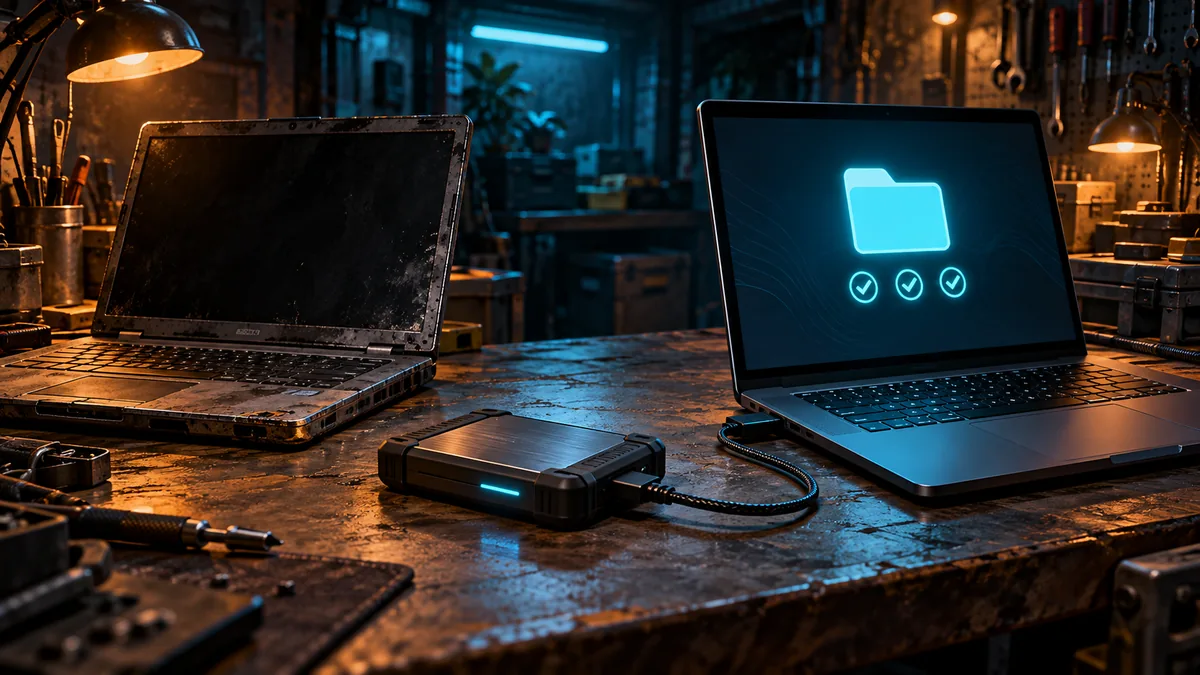
A note from the workshop
Recovery should not require the machine you just lost.
The original Recovery Drill checks disposable file contents. A useful follow-up asks whether you can restore those files when the original computer is unavailable. This is an unperformed guided exercise, not a claim that we restored your system or tested your hardware.
Three useful checks
- Prepare separate storage: Back up disposable practice files and keep the trusted manifest accessible separately.
- Use a second trusted computer: Check storage compatibility, restore software, and access to recovery material.
- Restore into a new folder: Verify the practice contents and record every missing dependency.
Put it into practice
Start with the website’s 100-file practice kit. Check the original sample, then make your own backup on separate storage. Carrying the website’s ready-made download to another computer tests the download, not the backup you created. Keep both the original and your backup intact.
Write down the backup format, needed application, and a private reference to any required key. Keep secrets off the worksheet. Confirm the second computer can read the storage without formatting it. If an application or credential exists only on the first machine, record that as a dependency to repair.
Leave the first computer unused during the attempt. Restore from your backup into a different folder on the second trusted computer. Compare against the original manifest with the Recovery Drill checker and open representative files manually. Record restore time separately from verification time, including any assistance from the first machine.
Use the Recovery Drill to download the disposable kit and open its browser checker. Let its manifest load before selecting the restored practice folder.
A backup is only useful if something else can restore it
A copy on the original laptop can look reassuring until the laptop becomes unavailable. Recovery also needs a readable destination, the right cable or adapter, any required software, and the information needed to find the archive. The second-computer exercise isolates those practical dependencies using disposable files, while leaving your real documents alone.
The Recovery Drill has a fixed practice kit and a manifest for checking its contents. Downloading that ready-made kit on the second computer would test access to the website. To test your own backup route, first create a backup of the extracted practice folder, then carry that backup through the process you intend to rely on.
A complete disposable-file rehearsal
Start with a clean extraction of the practice kit. Use the checker and its manifest to establish that the starting sample is complete before making your backup. Store your backup separately from the original practice folder. Give it an unmistakable label so it cannot be confused with a real archive.
On the second trusted computer, restore into a new, empty destination. Keep the original intact. Let the checker load its trusted manifest before selecting the restored folder. If the restored files are nested inside an extra wrapper directory, choose the folder the instructions expect rather than interpreting a missing-file report as proof that the archive is damaged.
- Check the original practice folder and record the checker result.
- Create your own separate backup using the method you want to rehearse.
- Bring that backup, the required adapter, and the instructions to a second trusted computer.
- Restore into a new folder and check the restored sample against the manifest.
- Record elapsed time, missing dependencies, and the actual reported differences.
Diagnose the failed step before changing the backup
A drive that is not detected, an archive that cannot be opened, and files that fail comparison are different failures. Write down which one happened. If an adapter is missing, the immediate repair is to make the recovery equipment available; recreating the same archive does not address that problem.
If files differ, retain both copies and inspect the report. Confirm that the correct restored folder was selected and that the starting kit was valid. Repeat only after identifying a specific change. Do not delete the original to make the exercise feel more realistic. The unavailable-machine scenario can be rehearsed without manufacturing actual data loss.
What this drill proves—and what it leaves open
A matching restored sample supports a narrow claim: that backup route reproduced those practice files on that computer at that time. It does not establish application recovery, operating-system bootability, original permissions, or survival after an account compromise. Keep those as separate recovery questions. Your next useful improvement may be as ordinary as labeling an adapter, printing the instructions, or storing the manifest where the recovery machine can reach it.
Know the limits
Matching practice files does not establish full-system recovery, preserved permissions, or ransomware resistance. Do not format disks, overwrite real files, or delete originals for this exercise.
Identify one dependency your recovery plan needs outside the original computer.
Print the private field sheet. Record actions and observations, not passwords, recovery codes, or private documents.
Keep exploring: the offline AI experiment, lost-phone recovery, or the Recovery Drill.
About this field note
Original CRYPT1K editorial guidance. Sources reviewed October 21, 2026. Procedures are reader exercises; no unperformed hardware, account, or AI test results are claimed. Character and artwork are fictional and AI-assisted.